Social posts & ads for small businesses
Turn your photos into posts worth sharing.
Choose a photo and Puffins makes the image and caption. You approve both before download.
You don't need design experience.
Review the image and caption.
Fictional example
Make a post for:
01 Start with what you have
Start with your website or public Instagram.
Puffins finds useful photos and brings in your products or services.
Check what it found, then choose how your posts should look and sound. Puffins remembers those choices for next time.
You choose what to keep before you create anything.See examples02 See one photo in different styles
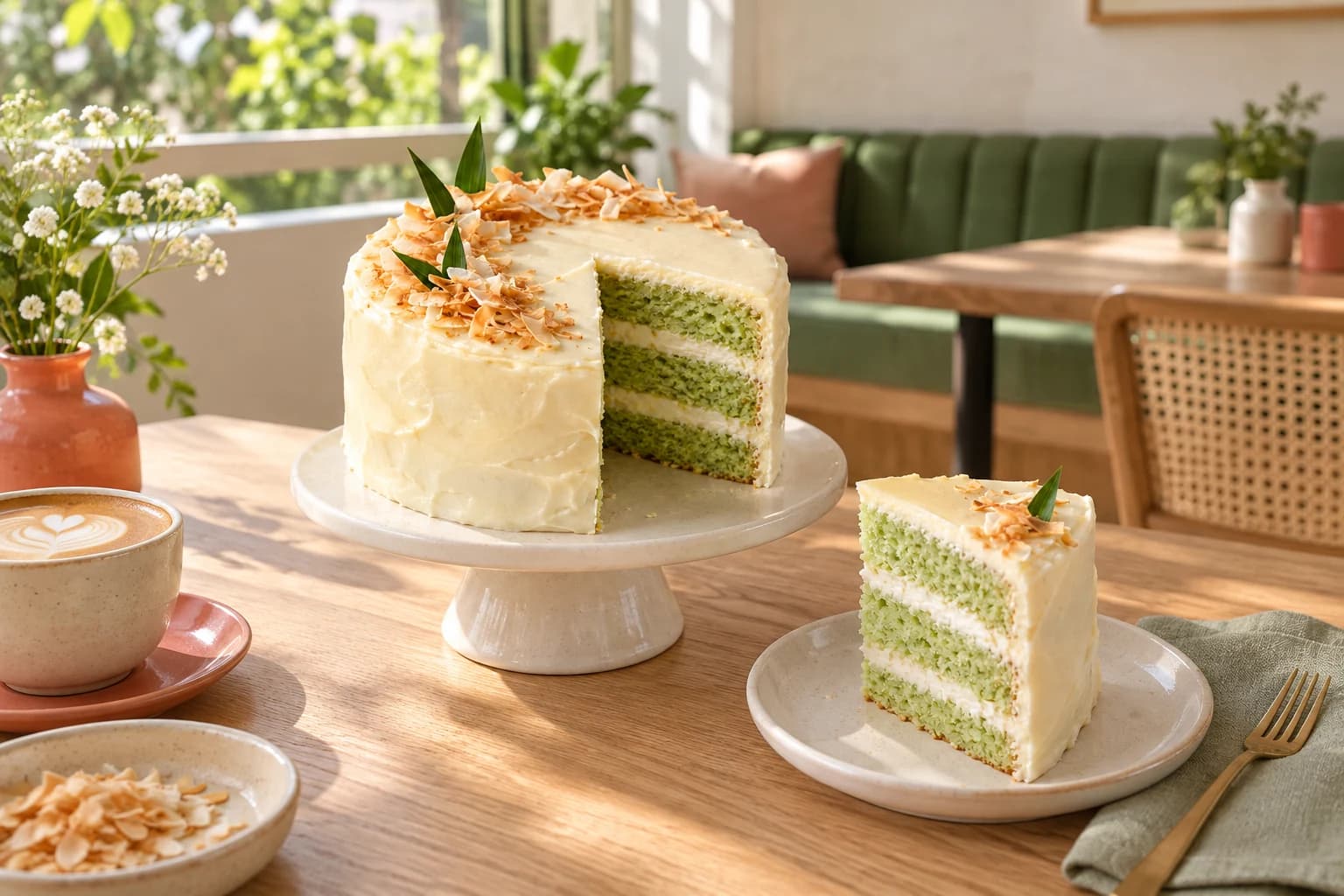
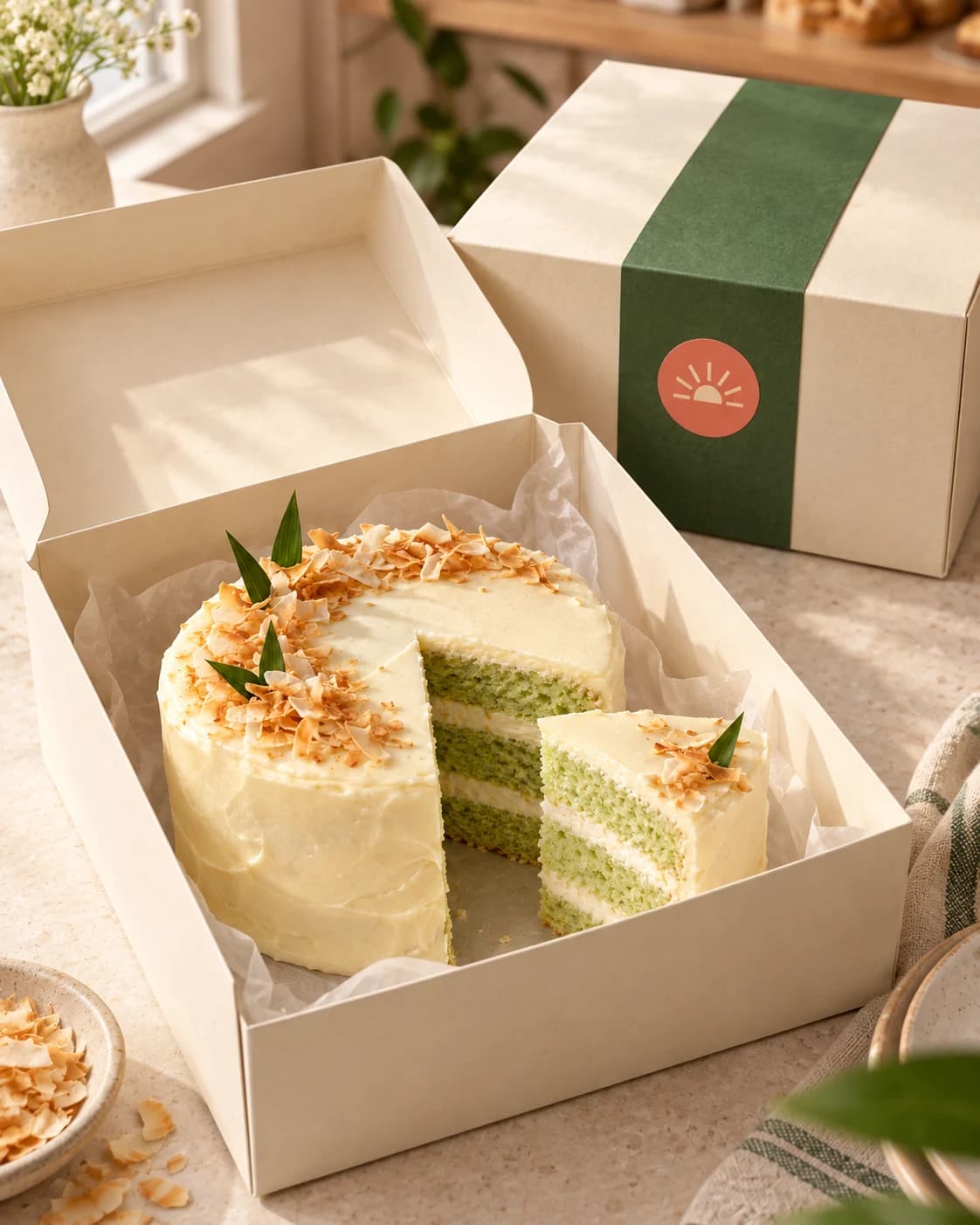
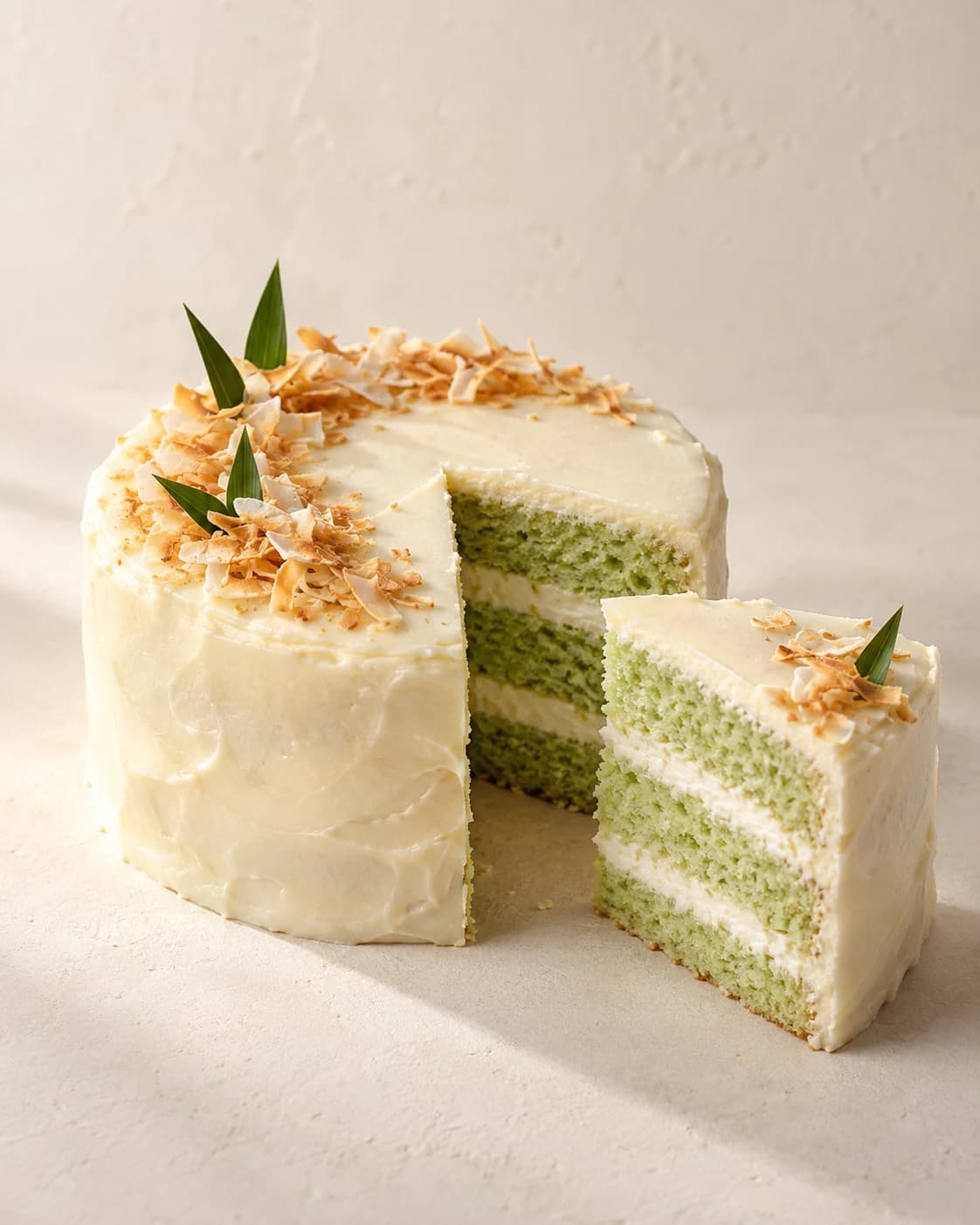
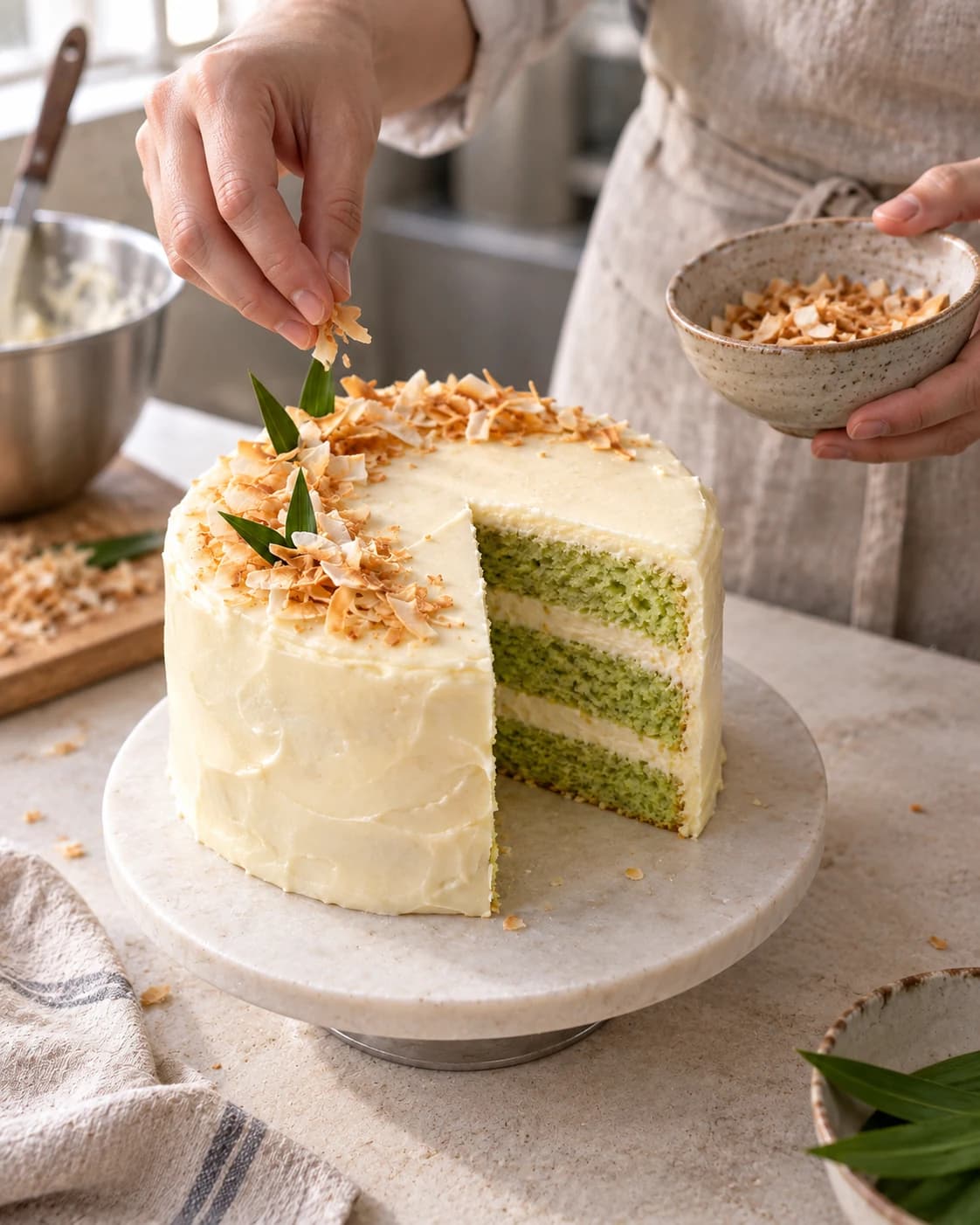
The same product, three ways.
Choose what you want to promote. Puffins creates the image and caption together.
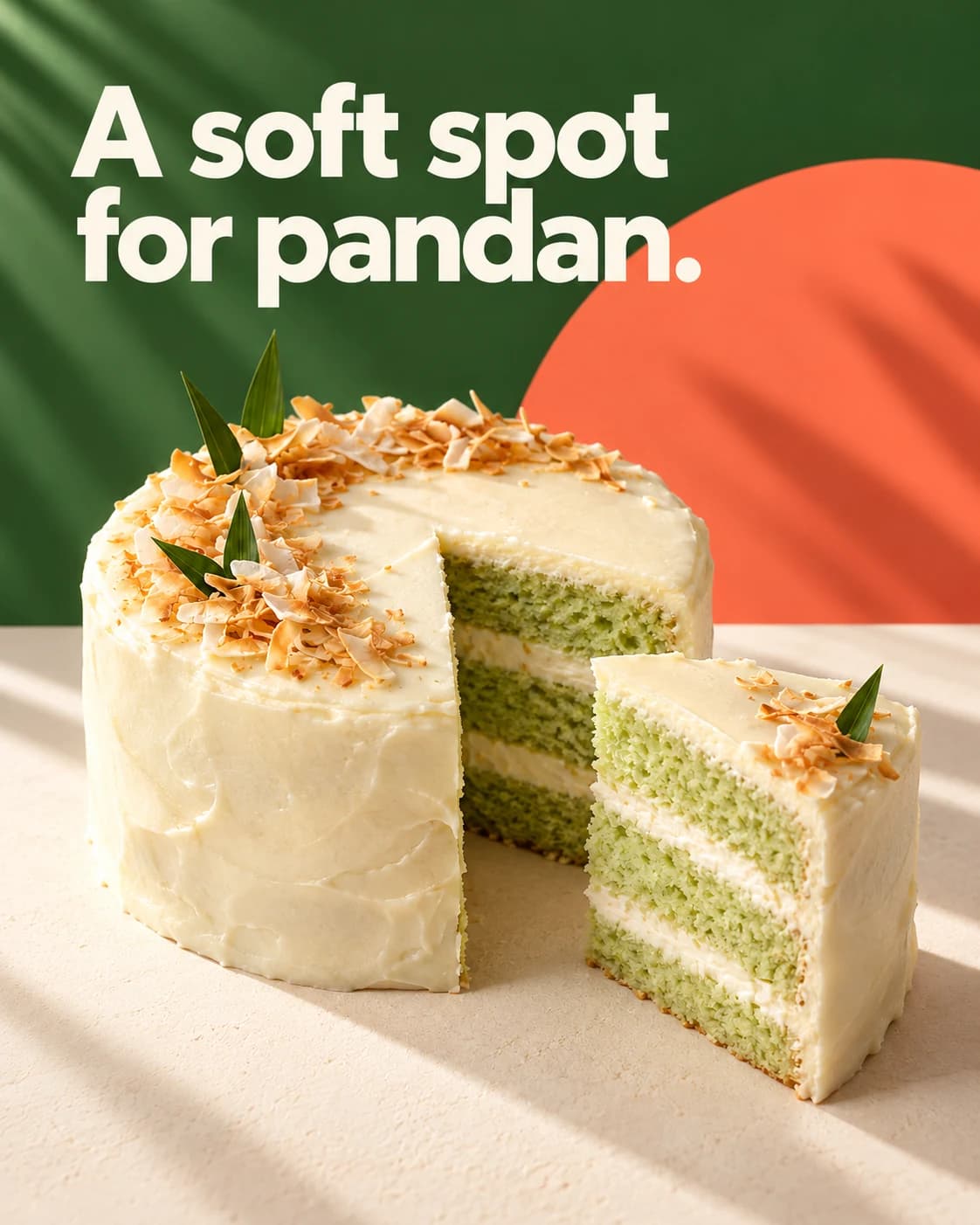
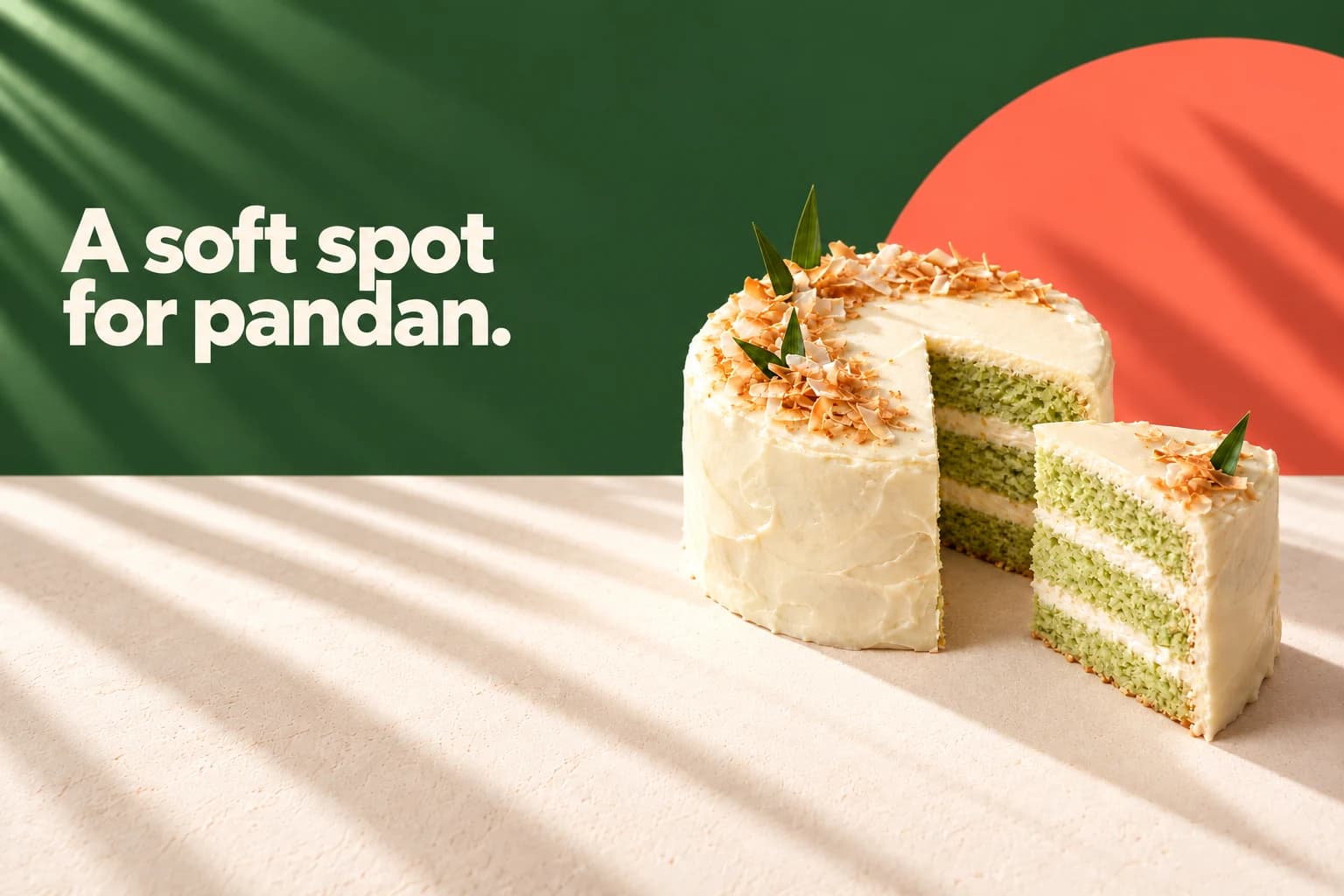
Weekend plans: pandan, coconut, and one very soft slice of cake.
Sunroom Bakes is fictional. Each example starts with the same cake photo.
03 Your final review
Review before you share.
Edit or retry the caption without remaking the images. Keep the images you like.
Questions
Do I need a website to get started?
No. Add your business details yourself, then upload photos when you are ready.
What kind of photos can I use?
Use photos of your products, services, or space. You can combine saved photos and new uploads in one design.
Can I change what Puffins makes?
Yes. Edit or retry the caption without losing the images you want to keep.